App Overview
Parent setup guide
iPhone and iPad parental control best practices
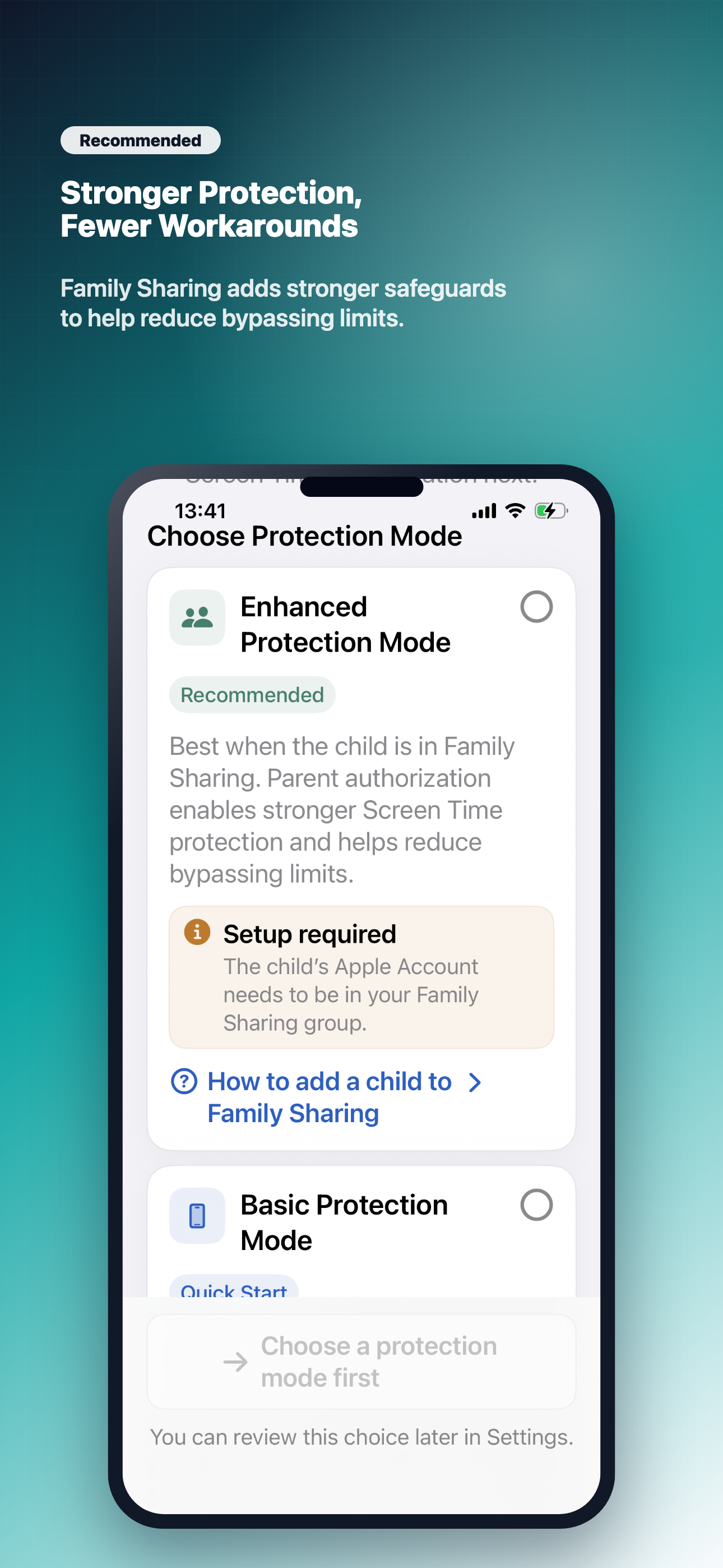
Before using ScreenHarmony, set up Family Sharing, a Screen Time passcode, app deletion restrictions, Downtime, Safari, and install controls. These steps make ScreenHarmony rules more reliable and harder to bypass.
View Best PracticesAdvanced Features
Intelligent Monitoring
- Track screen time & app usage (TikTok, Games)
- Identify addiction tendencies early
- Non-invasive insights respecting privacy
Collaborative Control
- Jointly set screen time limits
- Foster trust, not rebellion
- Transparent goal setting for families
Privacy-First Reports
- Detailed analytics & patterns
- Data stays local & private
- Easy-to-read wellness reports
Digital Wellness
- Self-monitoring tools for teens
- Accountability sharing
- Build healthier habits together
Common Scenarios
For Concerned Parents
"I worry about excessive phone use but want to avoid arguments."
Collaborative goal-setting resolves usage concerns without damaging trust.
For Independent Teens
"I want to prove I'm responsible without giving up privacy."
Demonstrate responsibility through transparent reporting while keeping personal data private.
For Balanced Families
"We need a middle ground for managing screen time."
Facilitates open discussions and establishes healthy boundaries together.
Why Choose ScreenHarmony?
| Feature | Traditional Controls | ScreenHarmony |
|---|---|---|
| Style | Restrictive & Controlling | Collaborative & Transparent |
| Response | Rebellion & Conflict | Responsibility & Trust |
| Privacy | Invasive Monitoring | Respects Privacy |
Complete screen time management solution
ScreenHarmony is more than an app
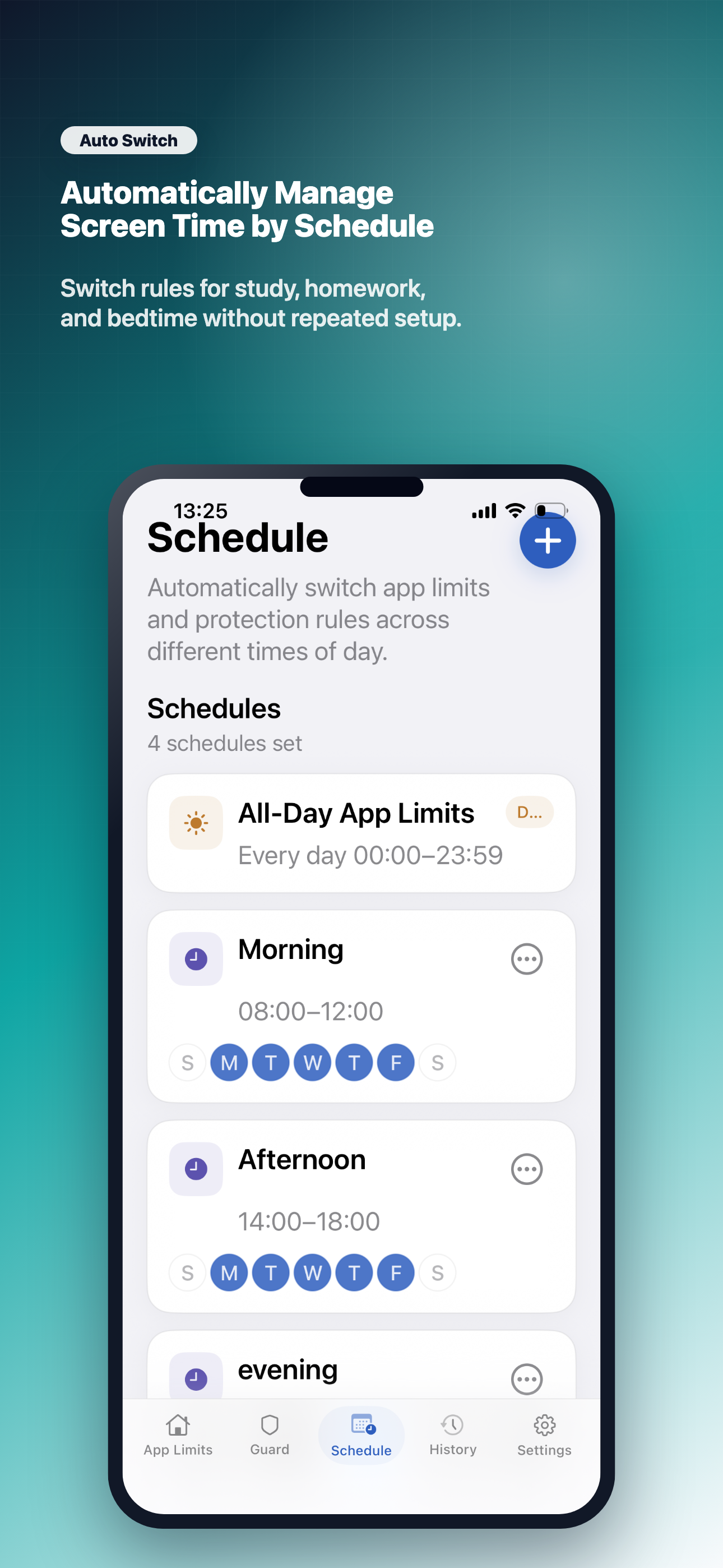
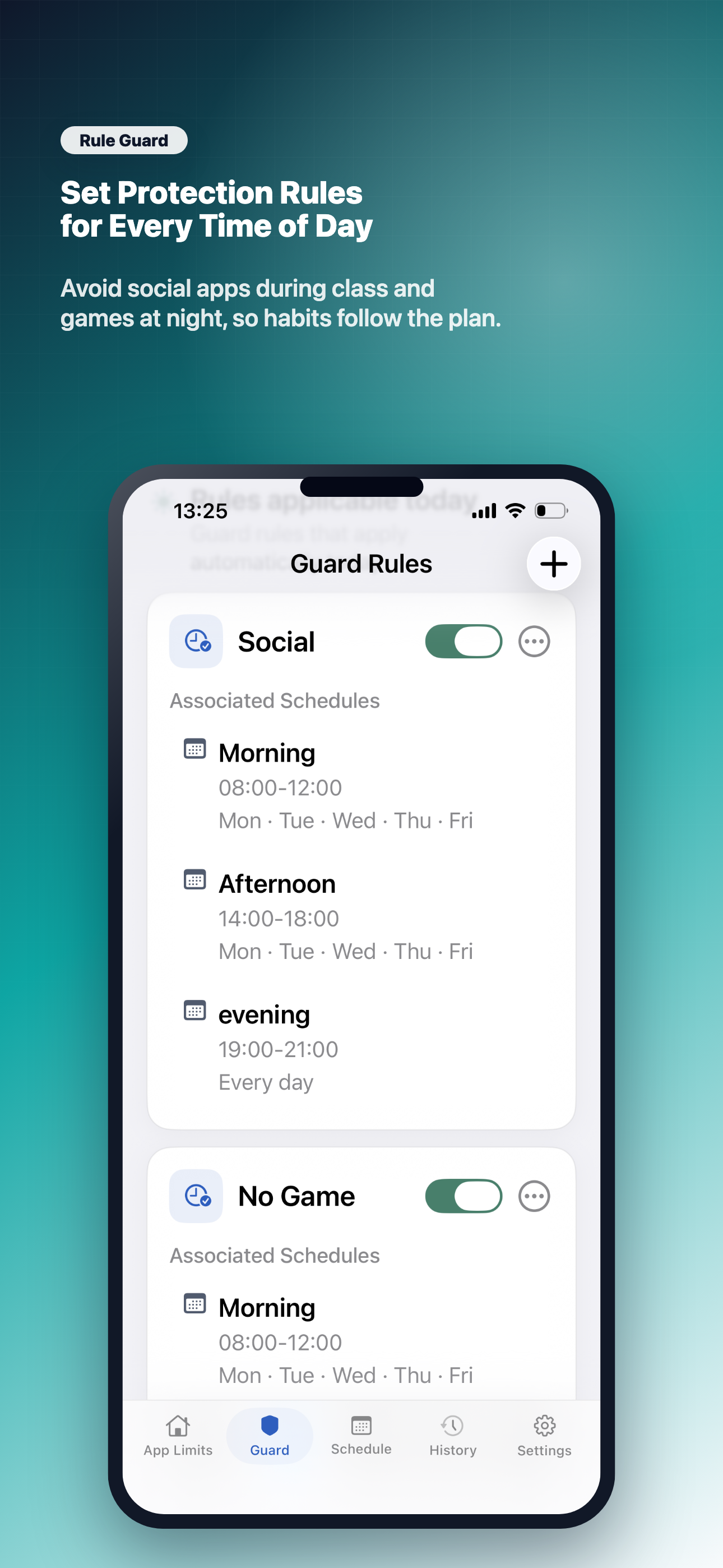
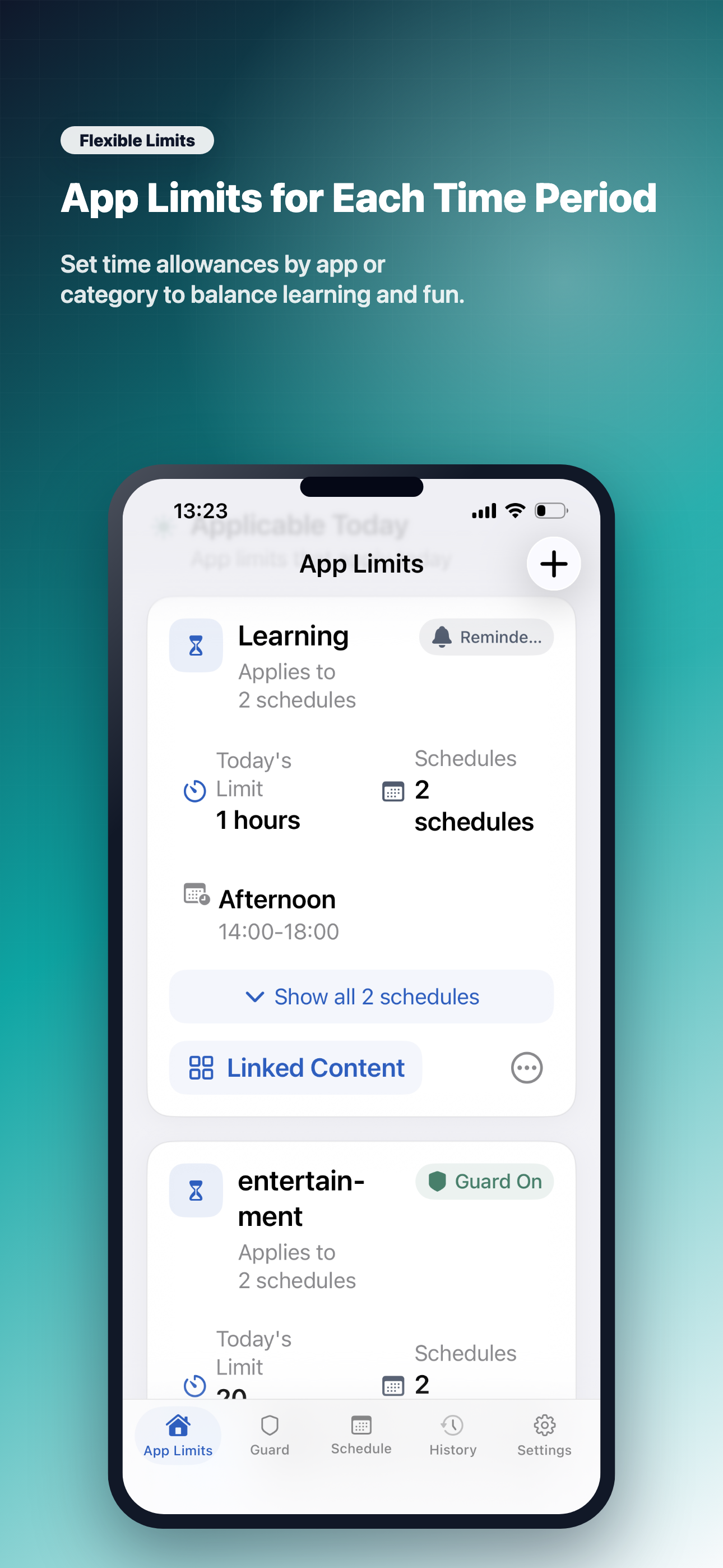
It provides a complete solution for helping parents guide children's screen time: transparent usage insights, routine-based time rules, and strengthened protection settings such as Apple Family Sharing, a Screen Time passcode, and preventing app deletion. Together, these steps help families keep screen time agreements easier to enforce and make ScreenHarmony harder to bypass.
View Strengthen Protection SettingsReady to Build Trust?
Join thousands of families building healthier digital habits.
Scan to Download
Need help? Email us at support@newbasoft.com