Introducing
Adaptive Screen Time.
The right rules. At the right time.
Because life asks something different of you every hour.
Adapto changes with your day—so you can be where life is.
Available on the App Store Download AdaptoLife is not one setting.
Morning asks for calm.
School asks for focus.
Family asks for presence.
Night asks for rest.
You don’t need more screen time rules.
You need the right rules
at the right time.
Adaptive Screen Time
Screen time that moves with life.
Instead of holding your whole day to one setting, it changes as your day changes.
Adaptive Screen Time changes one all-day setting into five moments: Morning, School, Homework, Family Time, and Bedtime.
Adaptive Screen Time in motion
One Real Day.
-
Morning
Start clear.
Social apps can wait.
-
School
Stay with what matters.
Learning stays close.
Distractions step away. -
Homework
Make room to finish.
Games can wait.
-
Family Time
Be here now.
The phone steps back.
Life comes forward. -
Bedtime
Let the day end.
The feeds go quiet.
Rest takes over. -
All day, one promise.
The right rules.
At the right time.Adaptive Screen Time, by Adapto.
Meet Adapto
Set your day. Then live it.
-
01
Name the moments.
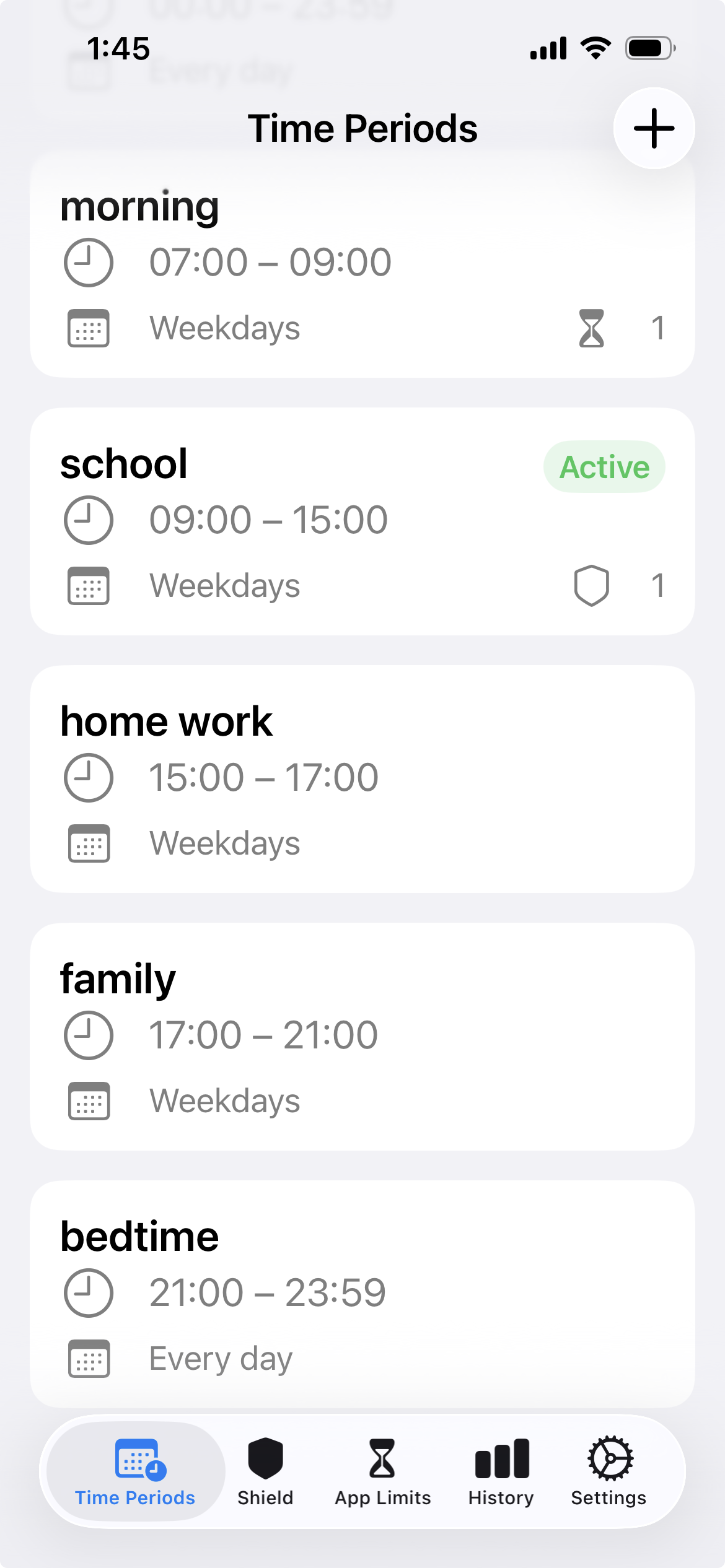
Five moments shape one day. -
02
Choose what belongs.
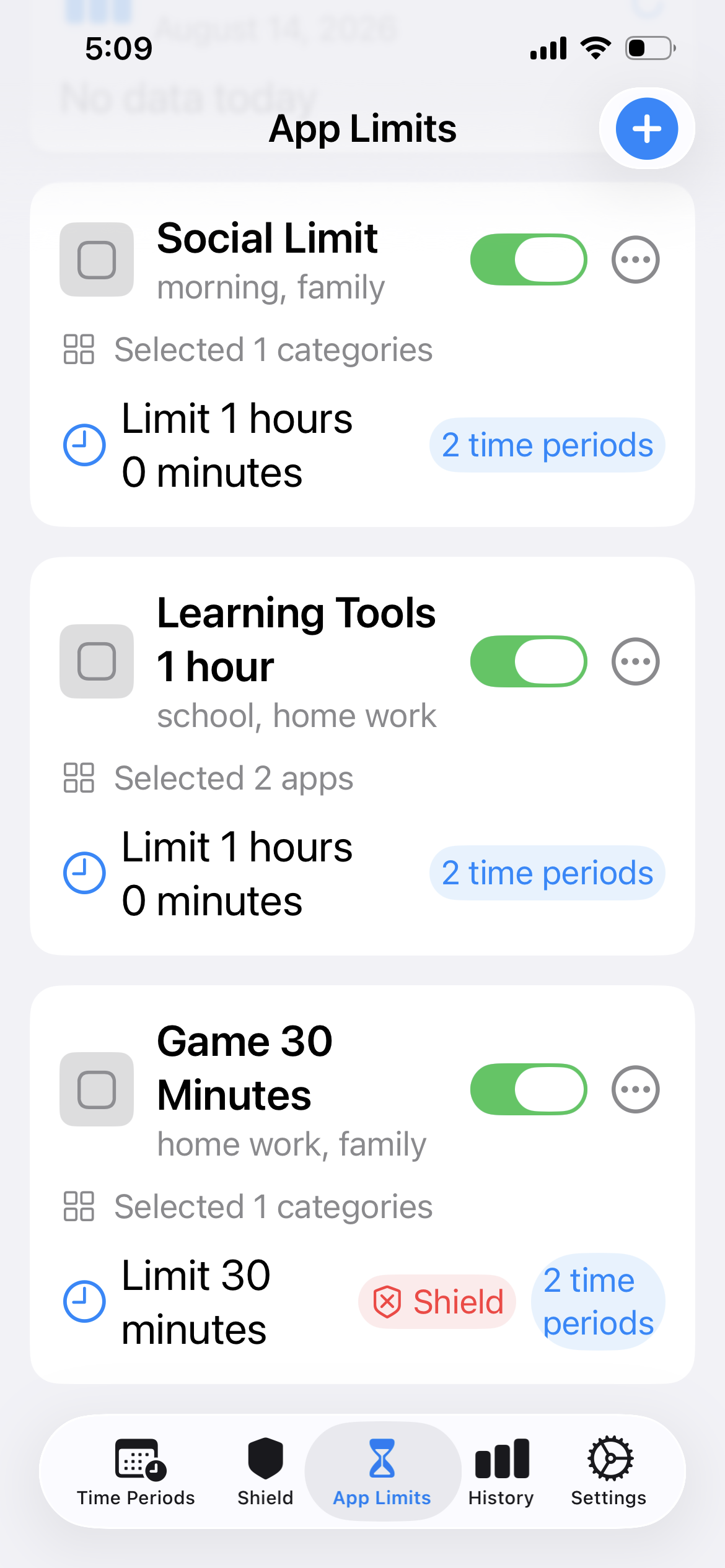
Different moments can use different app limits. -
03
Let the day run.
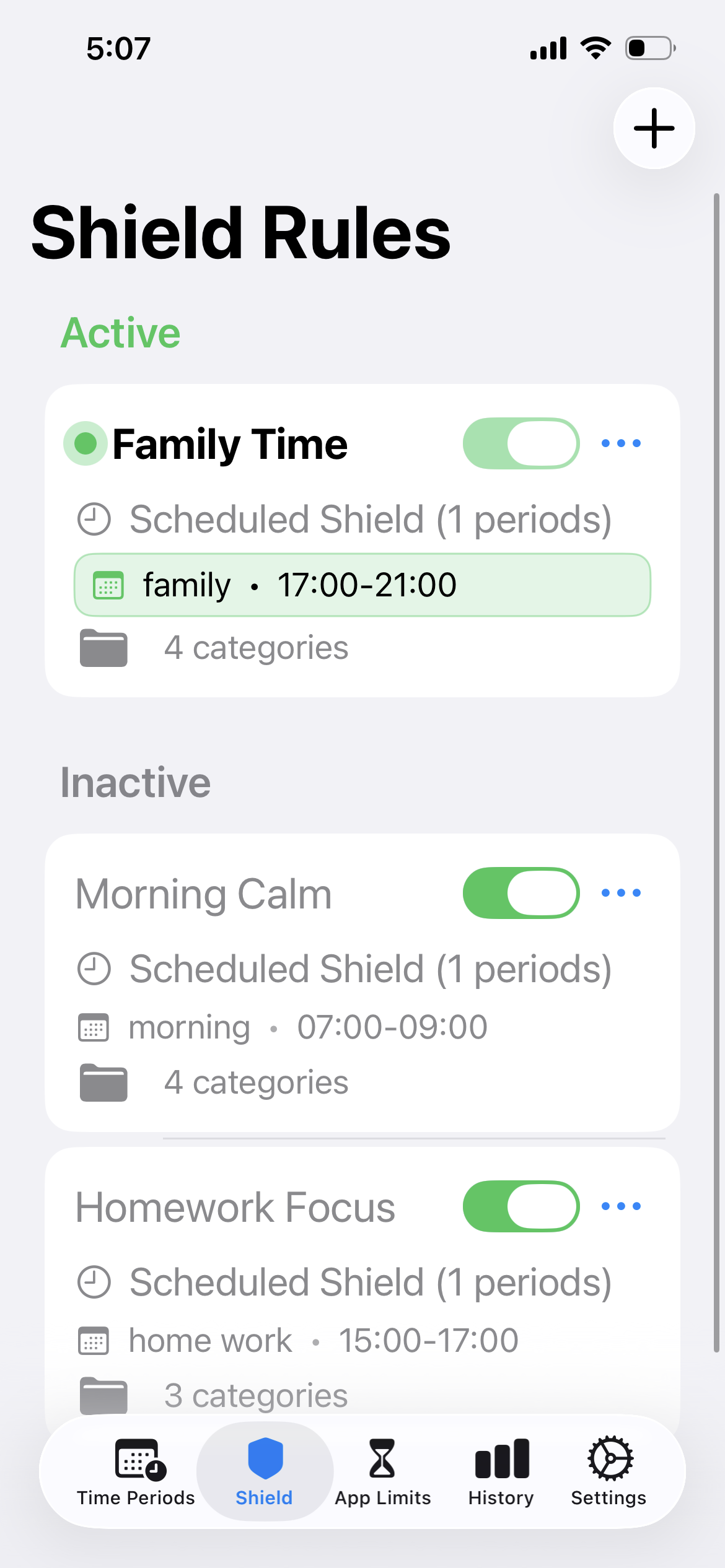
The right shield becomes active when its time arrives.


Quiet by design
Your day belongs to you.
Your usage data stays on your device.
Personal usage data is not uploaded to Adapto servers.
Free to start.
Read our privacy policyAdapto
Good to know.
What is Adaptive Screen Time?
Adaptive Screen Time is screen time control that automatically changes app blocking and app limits for different parts of your day, instead of holding every hour to one setting.
Does Adapto change automatically?
Yes. Once your day is set, Adapto automatically applies the app blocking and limit boundaries for the current moment.
Can weekdays and weekends be different?
Yes. Different days of the week can follow different schedules.
Can every part of my day have different boundaries?
Yes. Each part of your day can use its own app blocking and app limit choices.
Where does my screen time data stay?
Your usage data stays on your device and is not uploaded to Adapto servers.
What can I try for free?
You can download Adapto and start for free. Optional purchases are shown before you choose them.
Adaptive Screen Time
The right rules.
At the right time.
Your day changes. Adapto changes with it.
Adaptive Screen Time, by Adapto.
Available on the App Store Download Adapto